The screens
What a board actually sees on a Tuesday
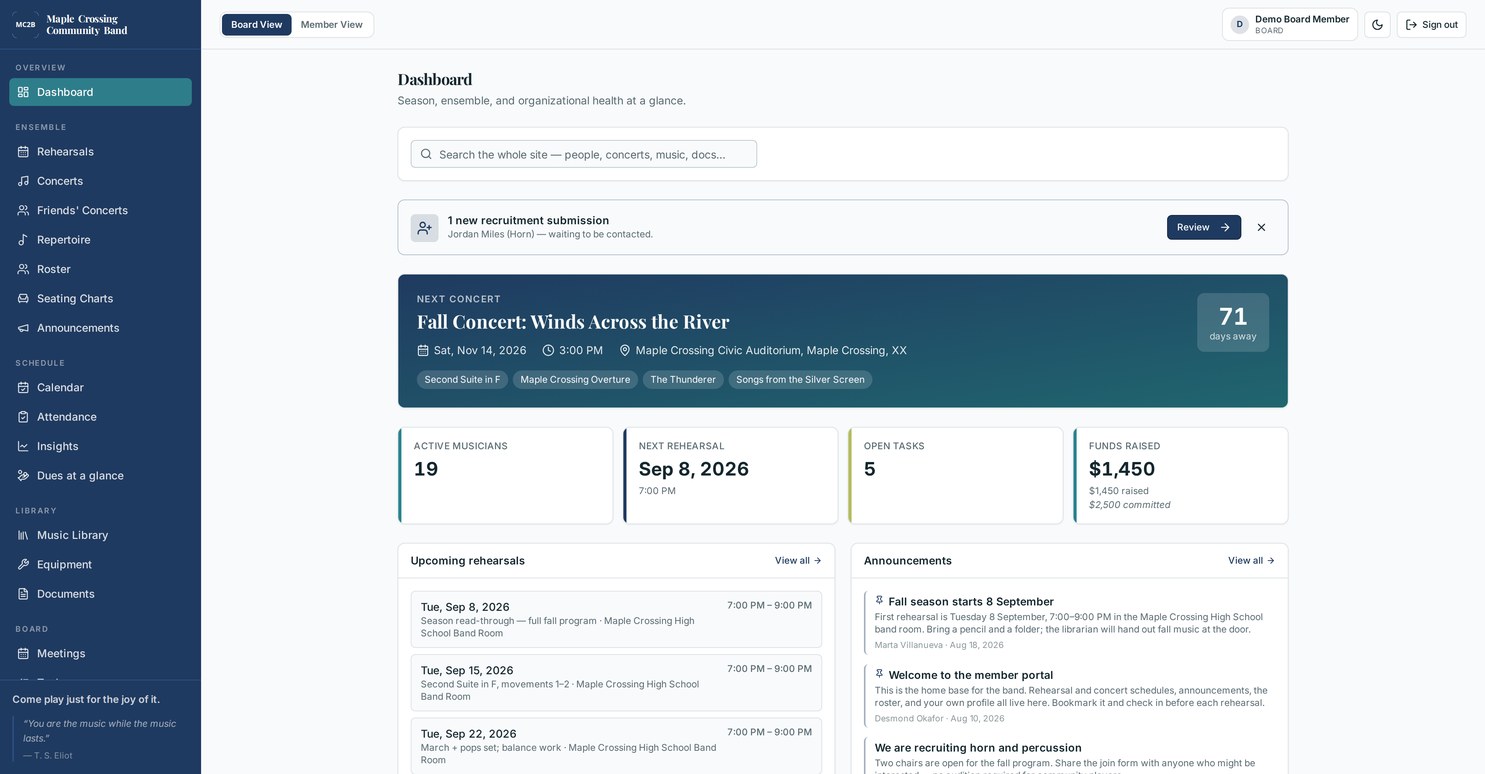
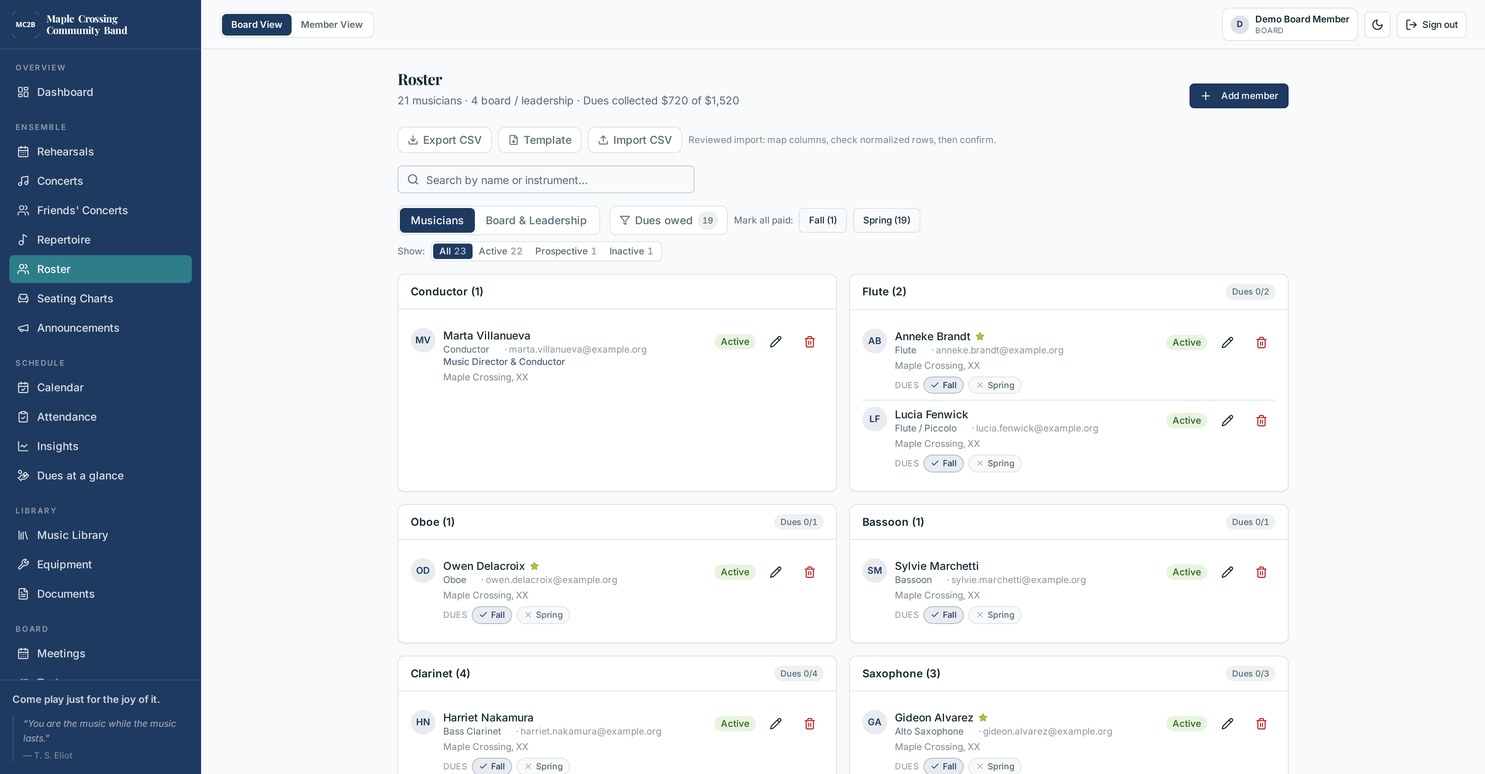
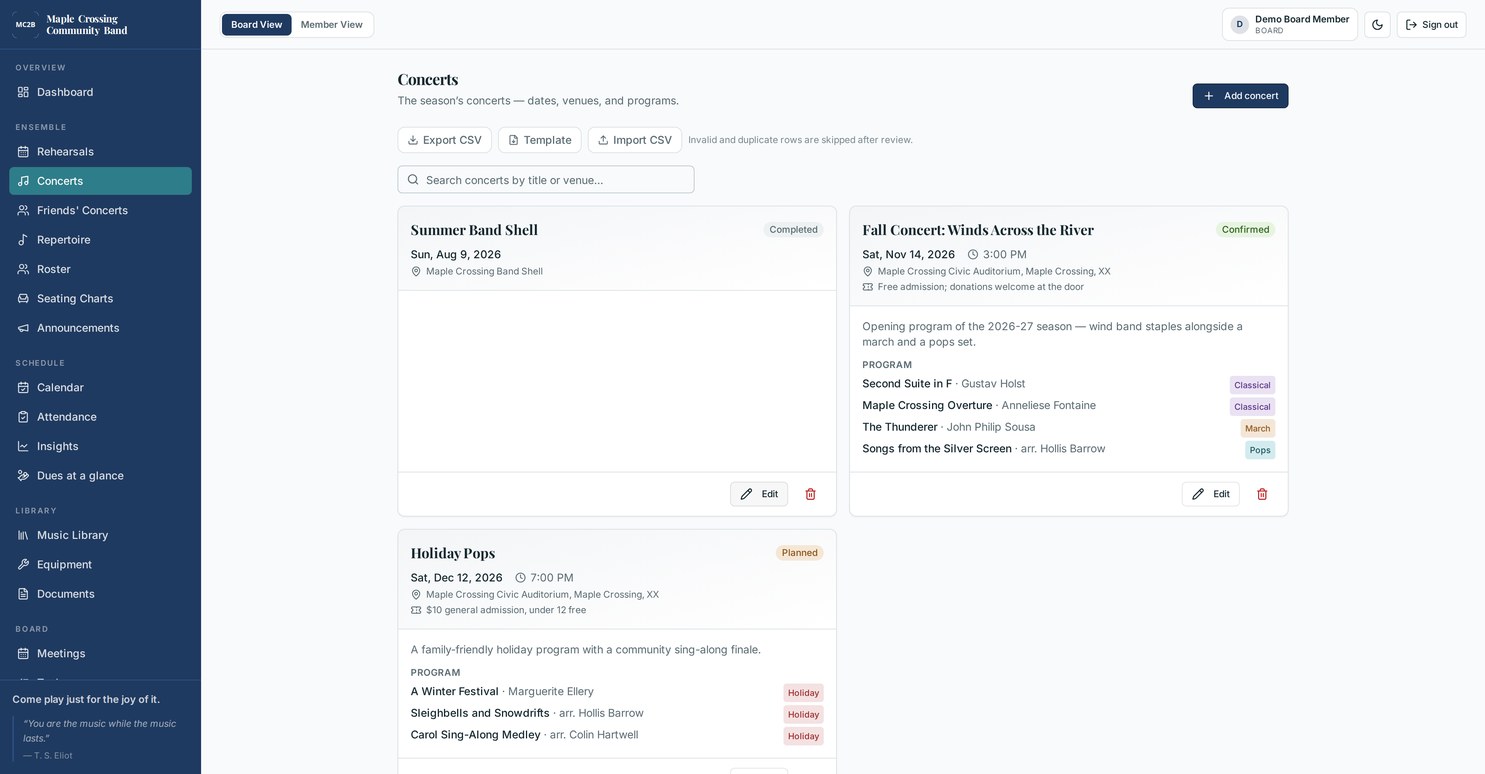
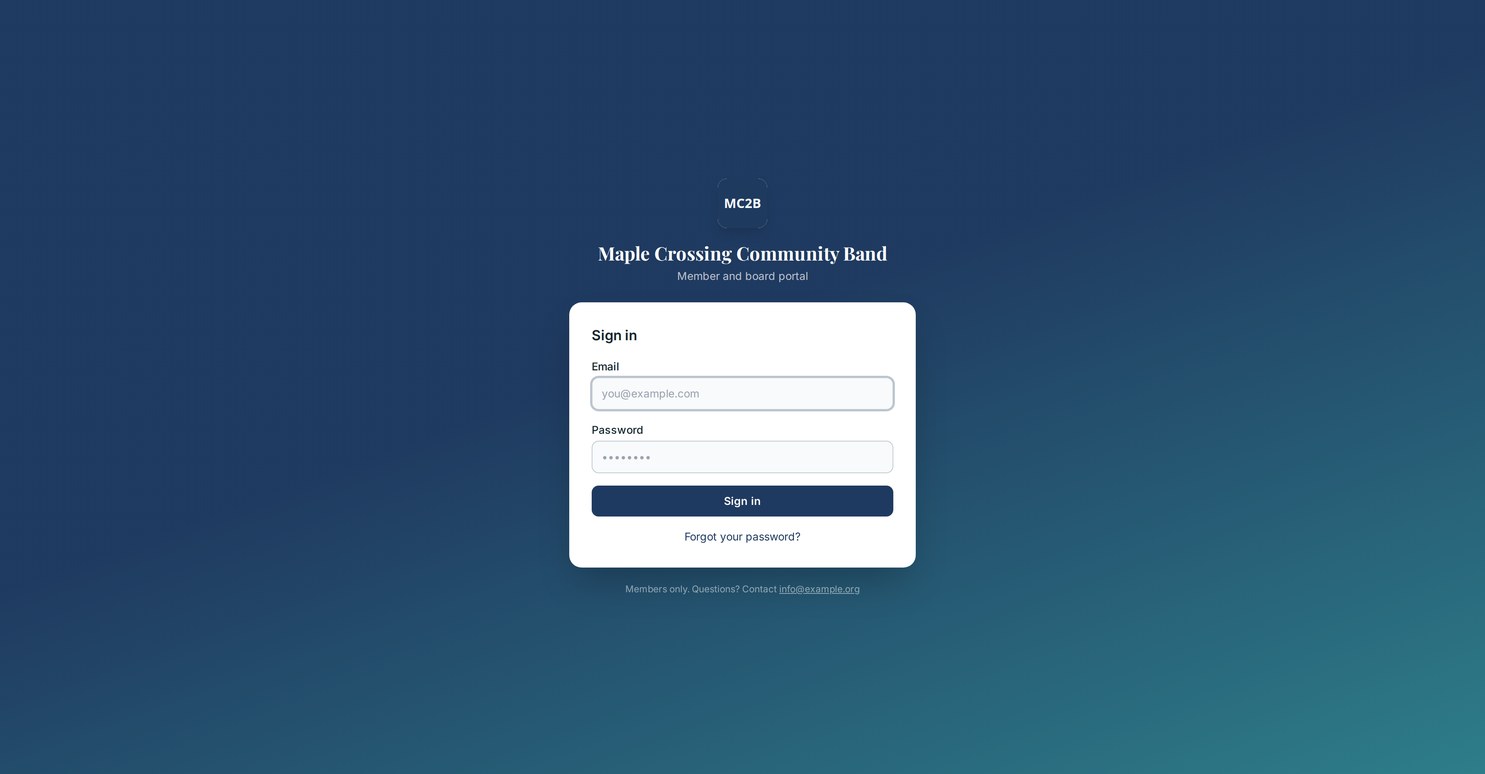
These are from a working demo deployment for a fictional ensemble, the Maple Crossing Community Band — in its colors, not ours. Yours would carry your own.
Screenshots only go so far — open the demo and click through it →
Concert programs New
The booklet the audience holds, built from the portal
The program is the one piece of paper every person in the hall reads, and it is usually the last thing anybody has time for. Someone opens last season's Word file the week of the concert, retypes the roster, guesses at the sponsor list and hopes the page count still comes out right. Rehearsal Letter assembles it instead, from the records the board already keeps — and it is part of the portal at every roster band, not a paid add-on.
It knows it is being folded
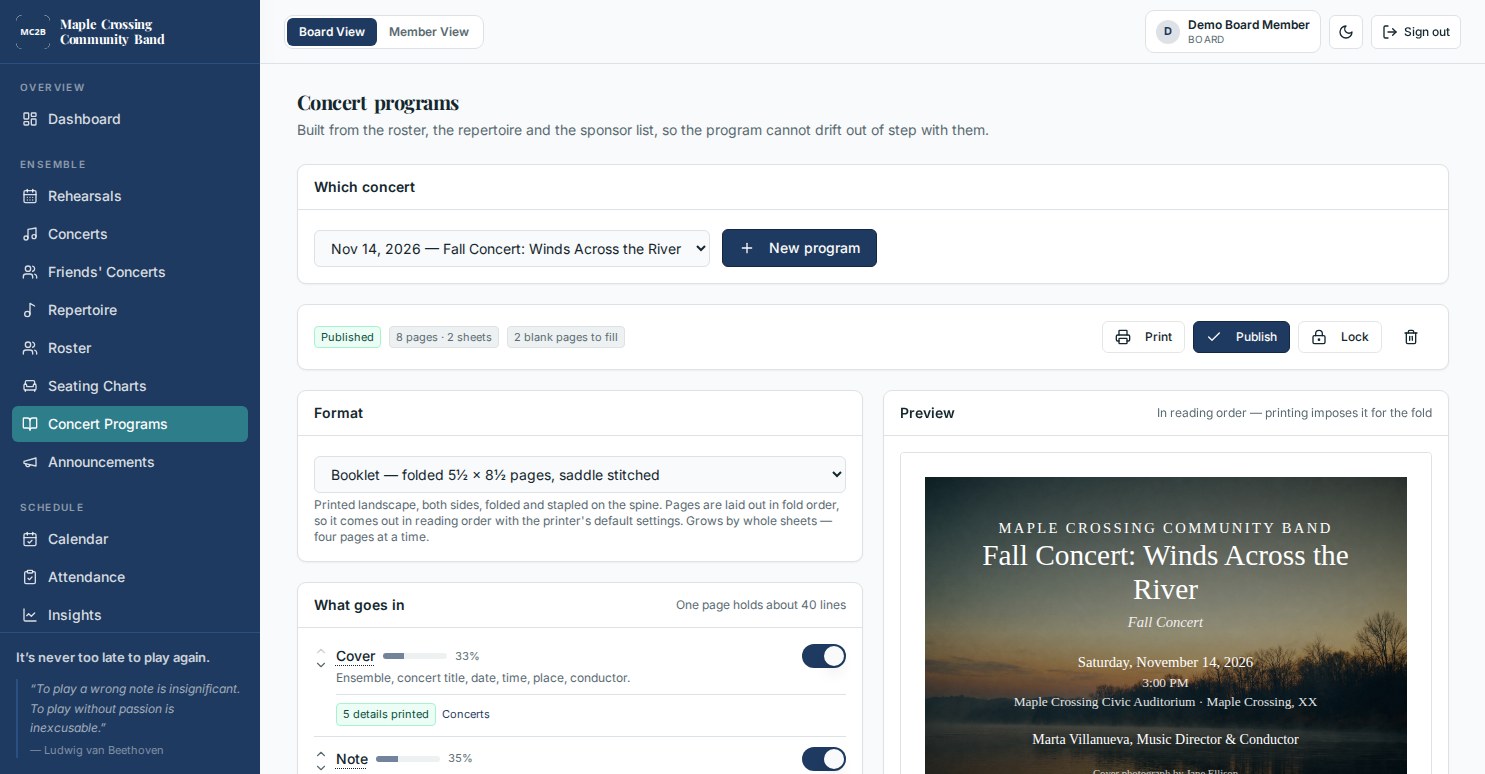
A folded booklet has to come out in multiples of four, and the pages have to be imposed — page one printed beside the last page, on the back of pages two and three — or the stapled result reads out of order. Choose folded booklet and the imposition is done for you, with the fold marked. Choose flat letter pages and you get plain 8½ × 11 sheets instead.
When the layout leaves spare pages, it says so and offers to put something in them rather than letting you find two blank sides at the printer.
- Repertoire in performance order, with the intermission set as a property of the concert and its length printed
- Roster by section, by chair from the published seating chart, or alphabetical
- Donors pulled for the fiscal year you name, above the threshold you set
- Sponsors listed by name only, which is what the sponsorship rules for exempt organizations require
- Cover art uploaded and set above the type or behind it, with a photo credit
- A web copy on the ensemble's own address, with the QR code printed next to the readable link
- Lock it the day it goes to the printer, and keep every earlier version
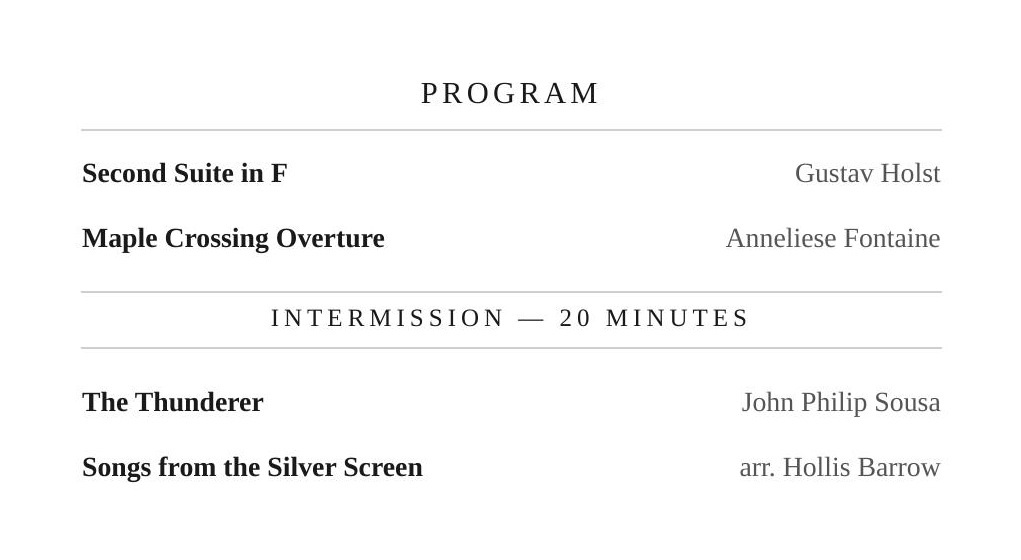
Printed from the browser. No design software, no separate account, nothing to re-key.
Included, not an add-on
There is no program tier, no per-show license and no charge that arrives the week of the concert. It is in the annual fee at every roster size, from a twenty-five-piece band to a hundred-and-fifty-piece symphony.
That is worth stating because it is unusual. Most ensemble software stops at a repertoire list, or lets you upload the PDF you already made somewhere else. The systems that genuinely generate a program from their own records start at $100 a month plus a $500 integration fee, and the playbill services sell you a template license per show on top of the printing.
White label, properly
It's the ensemble's portal, not a vendor's
Its own name, logo and colors throughout. Its own web address. Email that comes from the ensemble's domain, so notices don't land in spam behind somebody's personal Gmail.
It can also use its own words. A chorus that says singers and performances is not made to read musicians and concerts. A brass band that calls its rehearsal a practice gets to keep the word.
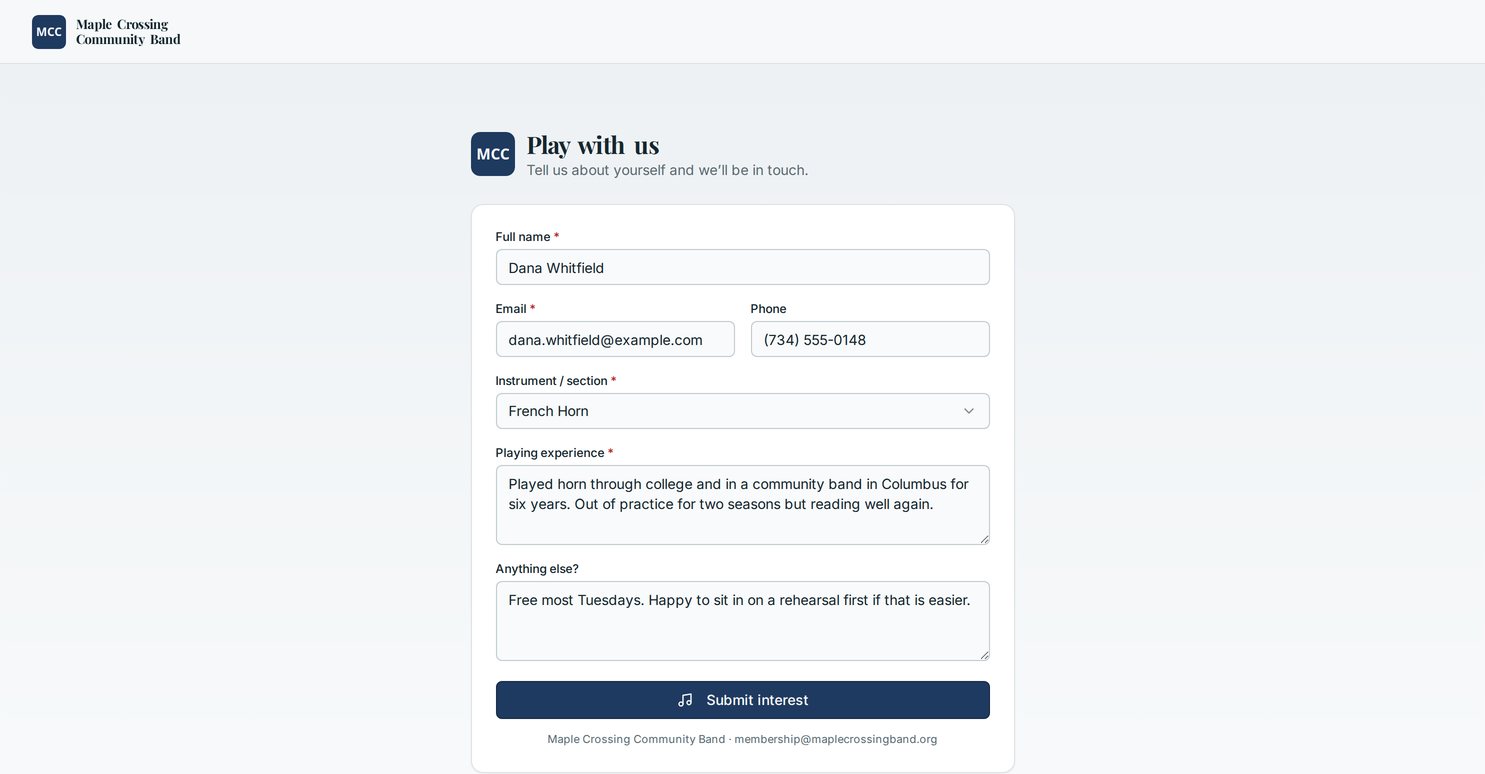
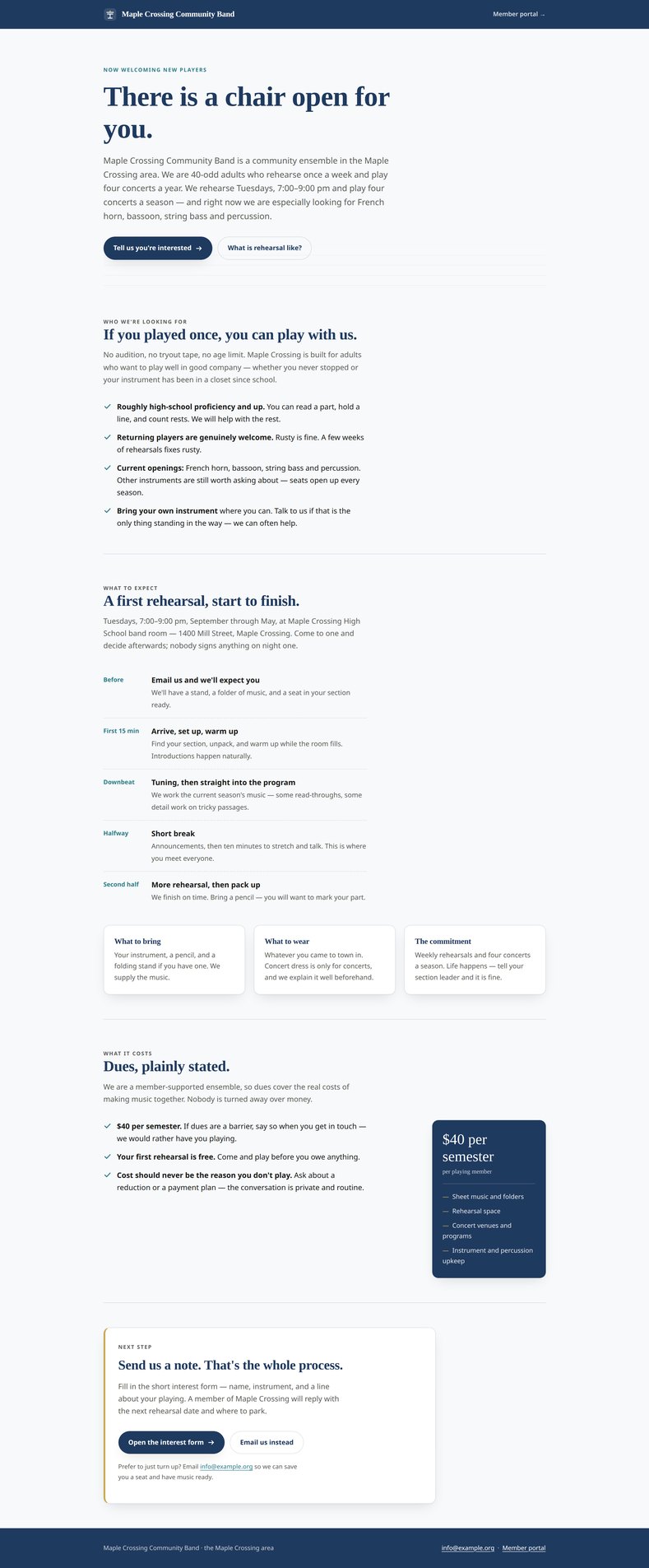
The public join page shown here is generated from the same branding — rehearsal night, venue, dues, instruments wanted — and drops inquiries straight into the board's recruitment list.
Next step
See it with your own ensemble's name on it
Half an hour, no obligation. We'll walk your board through a working deployment and tell you plainly whether Rehearsal Letter fits how your ensemble already runs. Pick a time that suits you — evenings and Saturdays included.