Why switch
One system instead of nine half-systems
Nothing here is exotic. It is the work a volunteer board is already doing, kept in one place where the next board can find it.
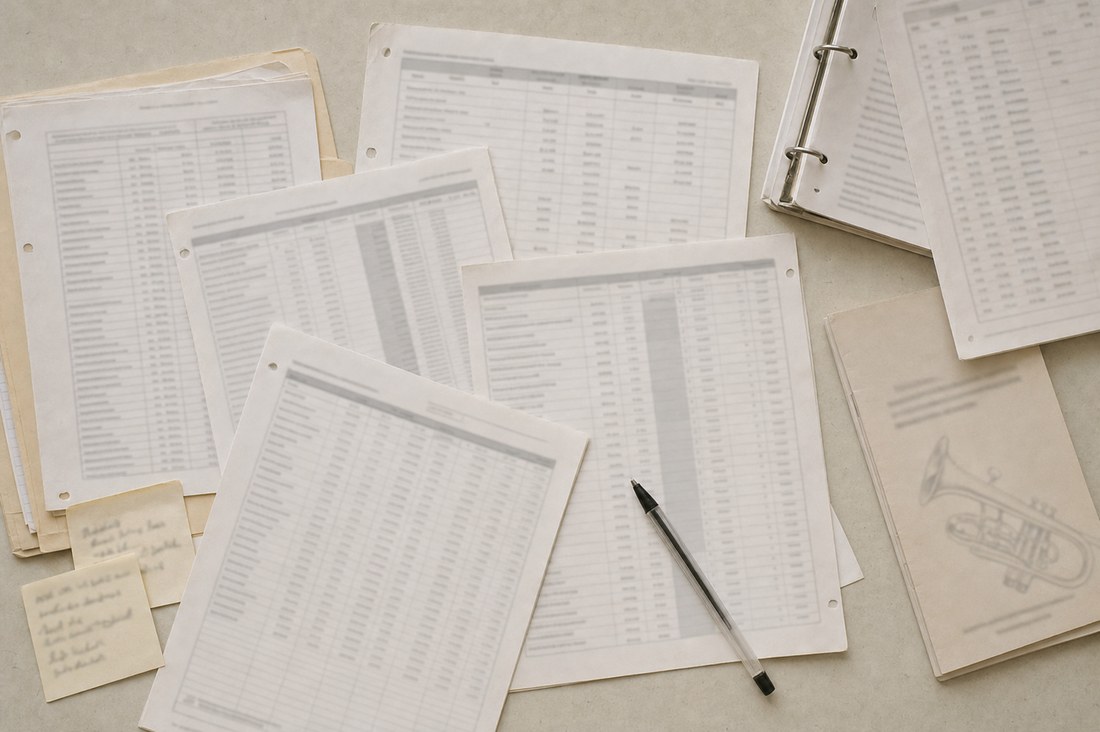
The problem is rarely that any single spreadsheet is bad. It is that there are five of them, three people have edited a different copy, and nobody can say which one is right. Every question then costs somebody an evening.
| Instead of | With Rehearsal Letter |
|---|---|
| A roster spreadsheet emailed around | A live roster with sections, chairs, contact details and status |
| Dues tracked in a second spreadsheet | Per-member dues status with a pay-online link |
| Rehearsal reminders from a shared inbox | Notices sent from the ensemble's own address, with a record of what went out |
| Last season's program file, retyped the week of the concert | The program generated from the roster, repertoire, sponsors and gifts — folded and imposed, ready to print |
| The librarian's memory | A music library with genres, holdings and status: owned, rented, ordered, needed |
| A Drive folder with no structure | Categorized documents, tagged board-only or member-visible |
| Minutes in a personal folder | Meeting agendas and minutes kept with the rest of the record |
| Budget in the treasurer's workbook | Budget lines with sponsor and donor income flowing in |
| An email address on the website for prospective players | A public “play with us” page and an intake form the board can triage |
Getting started
Setup is done for you, not by you
No volunteer has to become the administrator of a new system on top of their real job. You hand over some facts and files; we hand back a working portal with a first board account.
Nothing is installed on anyone's computer. It runs in a browser, including on phones, which is where half your players will read it.
Most boards are live about two weeks after they send us the roster.

-
You send the basics
Ensemble name, contact address, logo files, brand colors (or a logo to sample them from), and the web address you want the portal to live at.
-
We brand and provision it
Your own deployment and your own database — not a shared tenant. Colors, wording and logo applied throughout, including the sign-in screen and the public join page.
-
Your records come across
Existing rosters, dues history, repertoire and library lists are imported from the spreadsheets you already keep. Messy ones included — that's the job.
-
Email is set up on your domain
We add the DNS records so rehearsal notices and announcements come from the ensemble, are signed properly, and reach inboxes.
-
The board is walked through it
A live session with the officers who'll use it, and a first board account to hand out. Optional extras: Google Drive document sync and a pay-online dues link.
Next step
See it with your own ensemble's name on it
Half an hour, no obligation. We'll walk your board through a working deployment and tell you plainly whether Rehearsal Letter fits how your ensemble already runs. Pick a time that suits you — evenings and Saturdays included.